Last updated July 2026
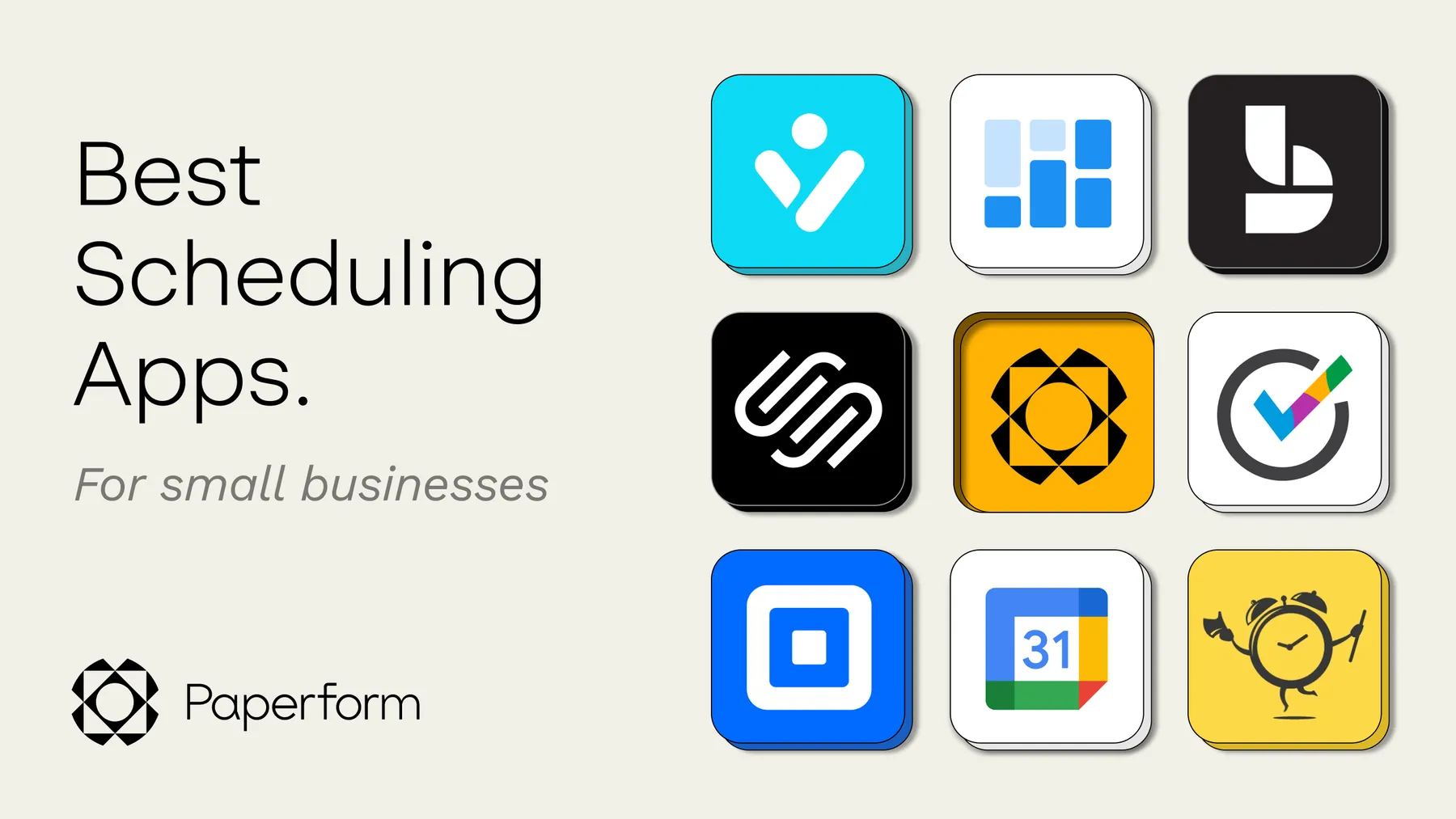
Paperform is one of ten scheduling tools small businesses use to stop the back-and-forth of booking appointments by email. Small business scheduling software is any tool that lets customers book a time slot online, syncs that booking to your calendar automatically, and (ideally) collects payment or a deposit at the same time. The best options also let you brand the booking page, send automated reminders, and connect to the other apps you already run your business on.
A small business doesn't need the same scheduling stack as an enterprise sales team. You need something that's quick to set up, doesn't charge per seat if you're a team of one, and doesn't force you to bolt on a separate payment processor. Below is what to look for, a side-by-side comparison, and a closer look at 10 tools worth considering.
TL;DR: Best scheduling software for small business
| Tool | Starting price | Best for |
|---|---|---|
| Paperform | Free, paid from $24/month | Branded booking pages with built-in payments and forms |
| Acuity Scheduling | From $16/month (annual) | Straightforward scheduling with solid automation |
| Setmore | Free, Pro from $5/user/month | Free plan with Zoom links built in |
| TimeTap | From $22.45/month | Coordinating multiple staff schedules |
| vCita | From $35/month | Combining scheduling with light CRM features |
| OnceHub | Free, Schedule plan from $10/seat/month | Routing sales prospects to the right rep |
| SimplyBook.me | Free, Basic from $11.90/month | Global businesses selling tickets and coupons alongside bookings |
| Google Calendar | Free | Teams already living in Google Workspace |
| Microsoft Bookings | Included with Microsoft 365 Business plans | Microsoft 365 users who want bookings without a new tool |
| Square Appointments | Free for one location | Brick-and-mortar businesses already using Square for payments |
What to look for in scheduling software for small business
Before comparing tools, it helps to know which features actually save you time versus which ones just look good in a features list.
Advanced scheduling features
A basic scheduler shows a list of open times. A better one lets you block out focus time, book appointments with multiple attendees, and automatically attach a Zoom or Google Meet link. If you run a remote business juggling clients across time zones, a simple tool like Calendly might not have the depth you need.
Calendar sync
Any tool worth using syncs with Google Calendar (and ideally Outlook) so a booking on your scheduling page also blocks that time everywhere else you check. Without real sync, you're one missed refresh away from a double booking.
Payment processing
The best scheduling apps let you collect payment, a deposit, or a cancellation fee at the moment someone books, not in a follow-up email. If you're a consultant who requires 50% upfront, a scheduler with payment fields built in turns client intake into one step instead of three.
Integrations
Small businesses typically run more tools than people expect, which makes integrations a real differentiator rather than a nice-to-have. A scheduling app that connects to Slack, your CRM, or a project manager like Asana turns a single booking into a fully updated workflow across your stack, without you touching a spreadsheet.
Branding
A booking page covered in someone else's logo doesn't do much for your brand. Look for a tool that lets you edit colours, fonts, and images so the page feels like an extension of your business, not a rented widget.
Comparing scheduling software by price, payments, and branding
| Tool | Free plan | Payment collection | Branding/customisation |
|---|---|---|---|
| Paperform | Yes | Stripe, PayPal, Square | Full doc-style editor, custom domains |
| Acuity Scheduling | No (7-day trial) | Stripe, Square, PayPal | Logo, colours, custom copy |
| Setmore | Yes | Stripe, Square, PayPal | Branded booking page and mobile app |
| TimeTap | 14-day trial only | Square | Custom booking site, limited on lower tiers |
| vCita | 14-day trial only | Built-in online payments | Client portal branding |
| OnceHub | Yes (Basic) | Stripe (paid plans) | Branded booking hubs on paid plans |
| SimplyBook.me | Yes | Multiple gateways, plan-dependent | Website templates, custom domain (paid) |
| Google Calendar | Yes | None built in | Minimal |
| Microsoft Bookings | Included in Microsoft 365 | None built in | Basic branding |
| Square Appointments | Yes (one location) | Square | Branded booking site |
The 10 best scheduling apps for small businesses
1. Paperform, for branded booking pages that take payments
Paperform's scheduling forms and booking pages cover the full checklist: a built-in calendar field for bookings and meetings, a direct Google Calendar integration, and automatic email reminders to cut down on no-shows and double bookings. There's no cap on bookings or appointments on any plan.
Beyond scheduling, Paperform connects to 2,000+ tools natively and through Zapier and Make, so a booking can update your CRM, notify your team in Slack, or add a row to a spreadsheet the moment it happens. That's what makes it a fit for small businesses in particular: instead of a standalone scheduler plus a separate intake form plus a separate payment processor, one Paperform can handle all three.
A few features worth knowing about:
- Accept payments through Stripe, PayPal, or Square directly on the booking form
- Share your booking page via link, embed it on your site, or trigger it as a pop-up
- Automatically hide times you don't want to be booked
- Set a minimum notice window before someone can book
- Automatic time zone conversion for international clients
Paperform pricing: Free plan available, paid plans start at $24/month.
2. Acuity Scheduling, for hassle-free scheduling that just works
Acuity handles the basics well: HIPAA-compliant appointment privacy, brandable scheduling forms, and automatic time zone adjustment. Confirmation emails and custom text or email reminders help cut down on no-shows without extra setup.
Acuity pricing: Plans start from $16/month billed annually (or $20/month billed monthly), with a 7-day free trial.
3. Setmore, for scheduling on a tight budget
If budget is the main constraint, Setmore's free plan covers the essentials, including a branded booking page, 200 monthly appointments, and one-click Zoom links for video meetings. It also integrates with Google Calendar, Stripe, and Square.
Setmore pricing: Free plan available. The Pro plan, with unlimited appointments and two-way calendar sync, starts at $5/user/month billed annually.
4. TimeTap, for tech-savvy businesses managing teams
TimeTap is built for businesses coordinating multiple staff schedules, automated booking confirmations, and stored customer information tied to each appointment. It takes a bit more setup than a simpler tool, but it pays off for teams with more complex scheduling needs.
TimeTap pricing: The Team Professional plan starts at $22.45/month for one staff member and one location; Team Business starts at $40.45/month.
5. vCita, for combining scheduling and customer management
vCita leans into customer management as much as scheduling. Its client portal lets customers book and pay without you in the loop, and it adds email campaign tools and automated reminders on top of the calendar itself. Businesses in education, healthcare, and fitness tend to get the most from vCita's combination of features.
vCita pricing: The Kickstart plan starts at $35/month for one seat, billed annually.
6. OnceHub, for booking appointments with sales prospects
OnceHub is built around engagement and lead routing rather than pure appointment booking. Its chatbot and routing forms qualify a lead and send them straight to the right team member's calendar, which makes it a stronger fit for sales teams than for simple client bookings.
OnceHub pricing: The Basic plan is free for one user. The Schedule plan, which adds unlimited booking links and Stripe payments, starts at $10/seat/month billed annually.
7. SimplyBook.me, for global businesses
SimplyBook.me covers the standard booking, notification, and payment features, then adds extras like event ticket sales, coupons, and gift cards that go beyond a typical appointment scheduler. A Google Analytics integration also lets you track how your booking page is performing.
SimplyBook.me pricing: A free plan is available for up to 50 bookings a month. The Basic plan starts at $11.90/month billed annually.
8. Google Calendar, for Google power users
If you're already living in Google Calendar, its built-in appointment scheduling feature might cover what you need without adding another tool. You can set a block of bookable time, and once someone reserves a slot, it shows up directly in your calendar. It also supports multi-person meetings and busy-hour blocking.
Google Calendar pricing: Free to use.
9. Microsoft Bookings, for Microsoft 365 users
If your business runs on Microsoft 365 rather than Google Workspace, Bookings is included at no extra cost with most Microsoft 365 Business subscriptions. It integrates with Microsoft Teams for virtual meetings and lets you set availability hours and appointment types without leaving the Microsoft ecosystem.
Microsoft Bookings pricing: Included with a Microsoft 365 Business subscription (check Microsoft's current plan pricing, since it changes periodically).
10. Square Appointments, for brick-and-mortar bookings
If you're already processing in-person payments with Square, Appointments plugs straight into that setup. It supports recurring appointments, cancellation and no-show fees, and automated reminders by SMS or email, all from the same dashboard you use for payments.
Square Appointments pricing: Free for one location on the entry plan, with paid plans adding features like cancellation fee protection and multi-staff booking.
Turning feedback into a better booking experience
Once you've picked a tool and started taking bookings, a short client feedback form after each appointment tells you what's actually working. Are people confused by your booking flow? Is the confirmation email landing in spam? That input is worth more than guessing.
FAQ
What's the best free scheduling app for a small business?
Setmore, Google Calendar, and Square Appointments all offer genuinely usable free plans, and Paperform's free plan covers scheduling alongside forms and light payment collection. Which one fits best depends on whether you also need payment processing, branding, or integrations beyond the calendar itself.
Do scheduling apps take payments?
Most established scheduling tools, including Paperform, Acuity, Setmore, and Square Appointments, connect to at least one payment processor like Stripe, PayPal, or Square so you can collect payment or a deposit at the time of booking. A few simpler tools, like Google Calendar's native scheduling feature, don't include payment collection at all.
Can I use Google Calendar as scheduling software?
Yes, for basic use cases. Google Calendar's built-in appointment scheduling lets you open blocks of bookable time that others can reserve, and it syncs automatically since it is the calendar itself. It doesn't include payment collection, branding, or automated reminders beyond standard calendar notifications, so busier or payment-based businesses usually outgrow it.
How much does small business scheduling software typically cost?
Pricing ranges from free (Google Calendar, Square Appointments' entry plan, Setmore's free tier) up to roughly $40 to $60 a month for tools with more advanced staff and payment features, like TimeTap's Business plan or Acuity's Premium tier. Most small businesses land somewhere in the $15 to $30 a month range once they need payment collection and branding.
What's the difference between a scheduling app and an all-in-one form builder with scheduling built in?
A dedicated scheduling app usually does one thing well: booking appointments. An all-in-one tool like Paperform adds scheduling as one feature alongside forms, payments, and conditional logic, so the same tool that takes a booking can also collect an intake form or process a payment without a second subscription.
Do I need calendar sync if I only take a few bookings a week?
Yes, even at low volume. Without calendar sync, a booking made through your scheduling page has to be manually copied into whatever calendar you actually check day to day, which is exactly the kind of manual step scheduling software is meant to remove.
Can I collect a deposit instead of full payment at booking?
Yes, most tools with built-in payment processing, including Paperform, Acuity, and vCita, let you set a partial deposit or a fixed booking fee rather than charging the full amount upfront. This is common for consultations, freelance work, and services where the final price depends on the appointment itself.
Build a branded booking page in Paperform
Calendar sync, payment collection, and branded design don't need three separate subscriptions. Start scheduling for free in Paperform and have a booking page live in the time it would take to compare two more scheduling apps.